
QURANKeep your place.
Keep your place.
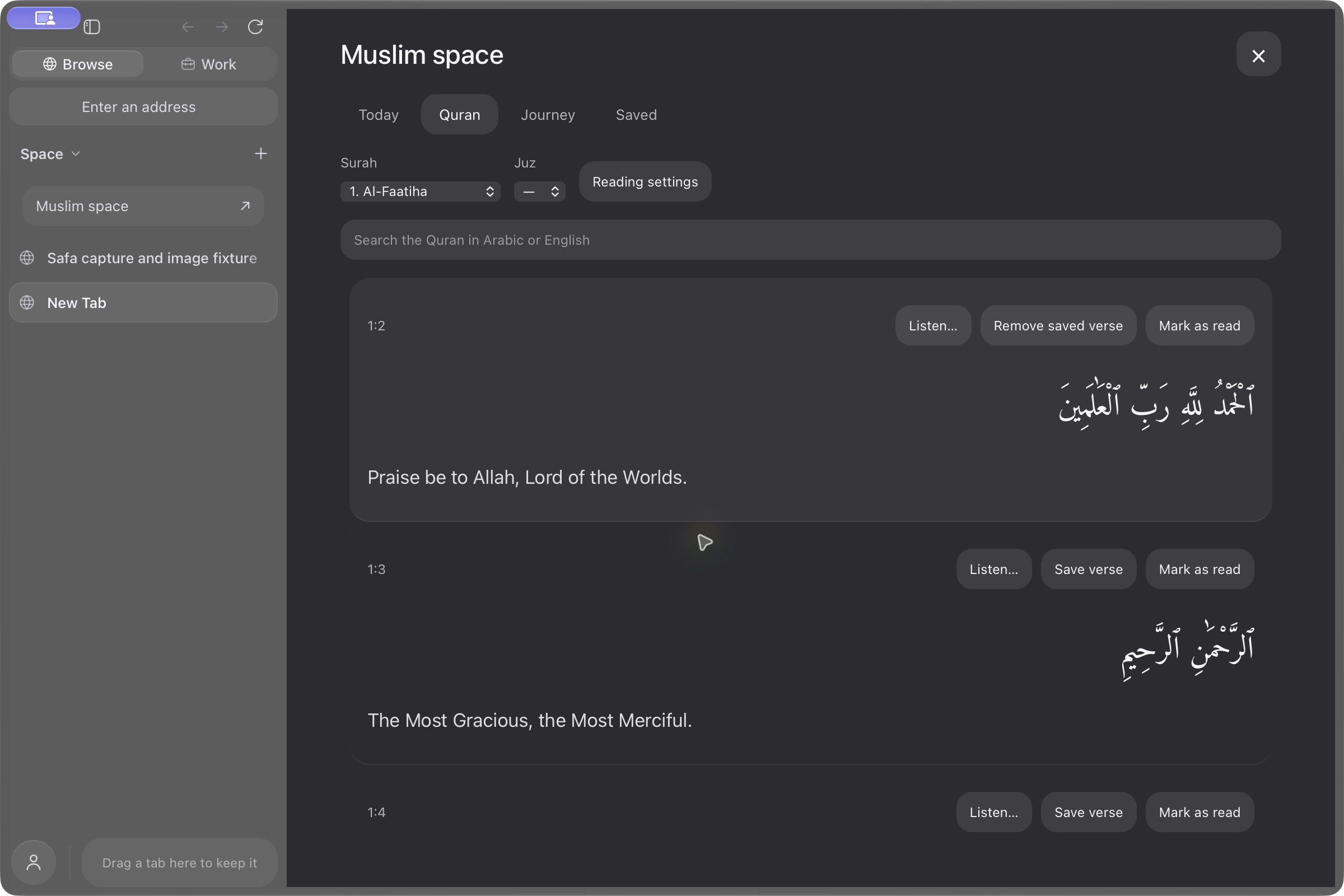
Find your next passage.
The complete Arabic and English Quran, ready offline. Explore by surah or juz, search locally, adjust the type, and save verses to return to.
SAFA FOR MAC
Your web, your work, and space for your deen.
A browser for Muslim daily life.
Free browsing and Muslim tools · Apple Silicon · macOS 14+

YOUR MUSLIM SPACE
Today, Quran, Journey and Saved. A quiet place within Browse, with no account required.
The complete Arabic and English Quran, ready offline. Explore by surah or juz, search locally, adjust the type, and save verses to return to.
Prayer times for your current or chosen location, discreet reminders, a daily ayah and a dhikr counter. Open Today for a referenced Name of the Day and optional private prayer check-ins.
Location and notification permissions are requested only when you choose them.
Start with a short next reading in a 25-part Quran passage index. Open verses in context and keep progress locally. Optional learning points count each chapter once, with no lost points or penalties.
Reading order is a teaching sequence. Reviewed narrative lessons are not included.
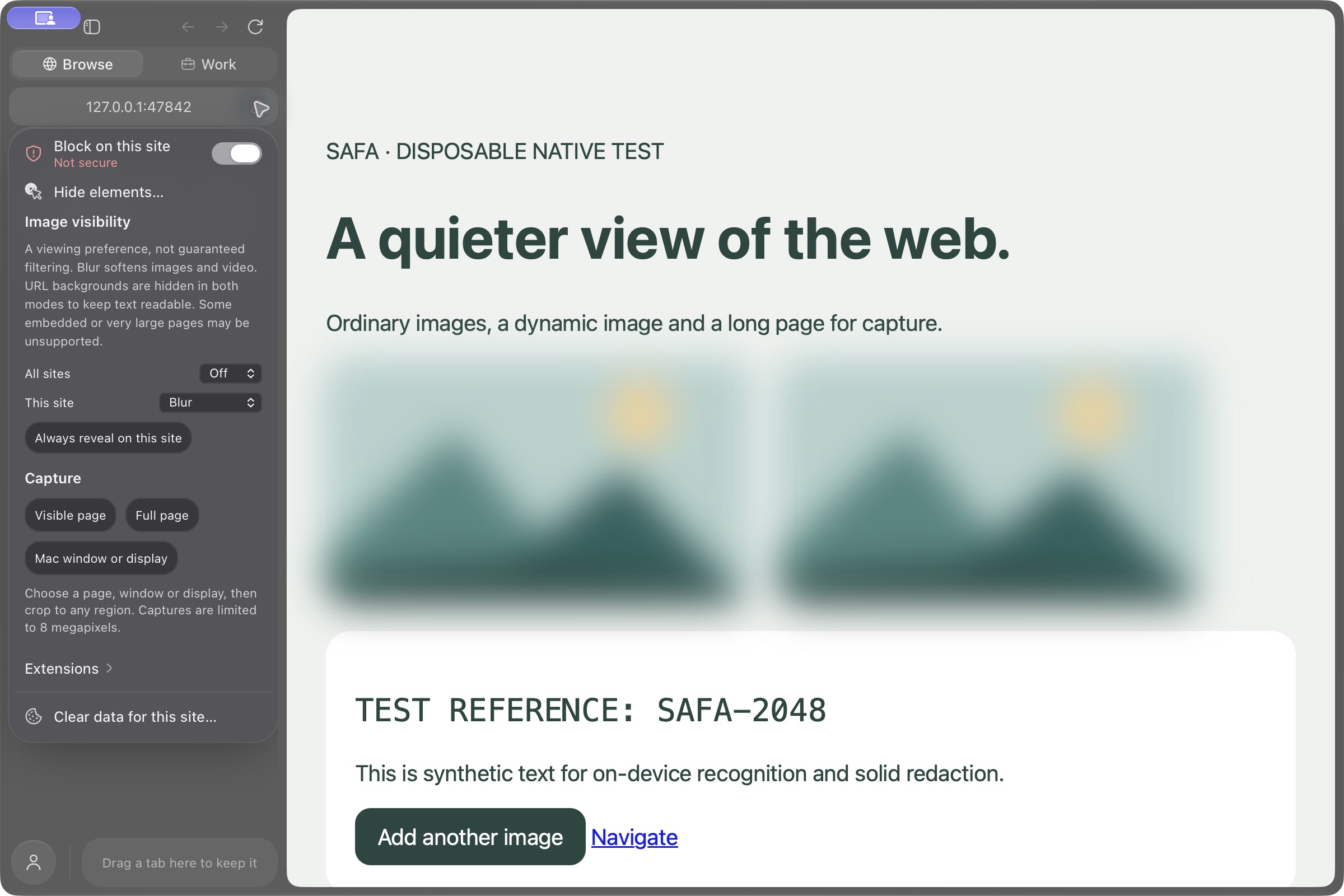
Blur or hide supported page images, set a default and make exceptions for individual sites. Reveal when you choose. A viewing preference, without image uploads or classification models.
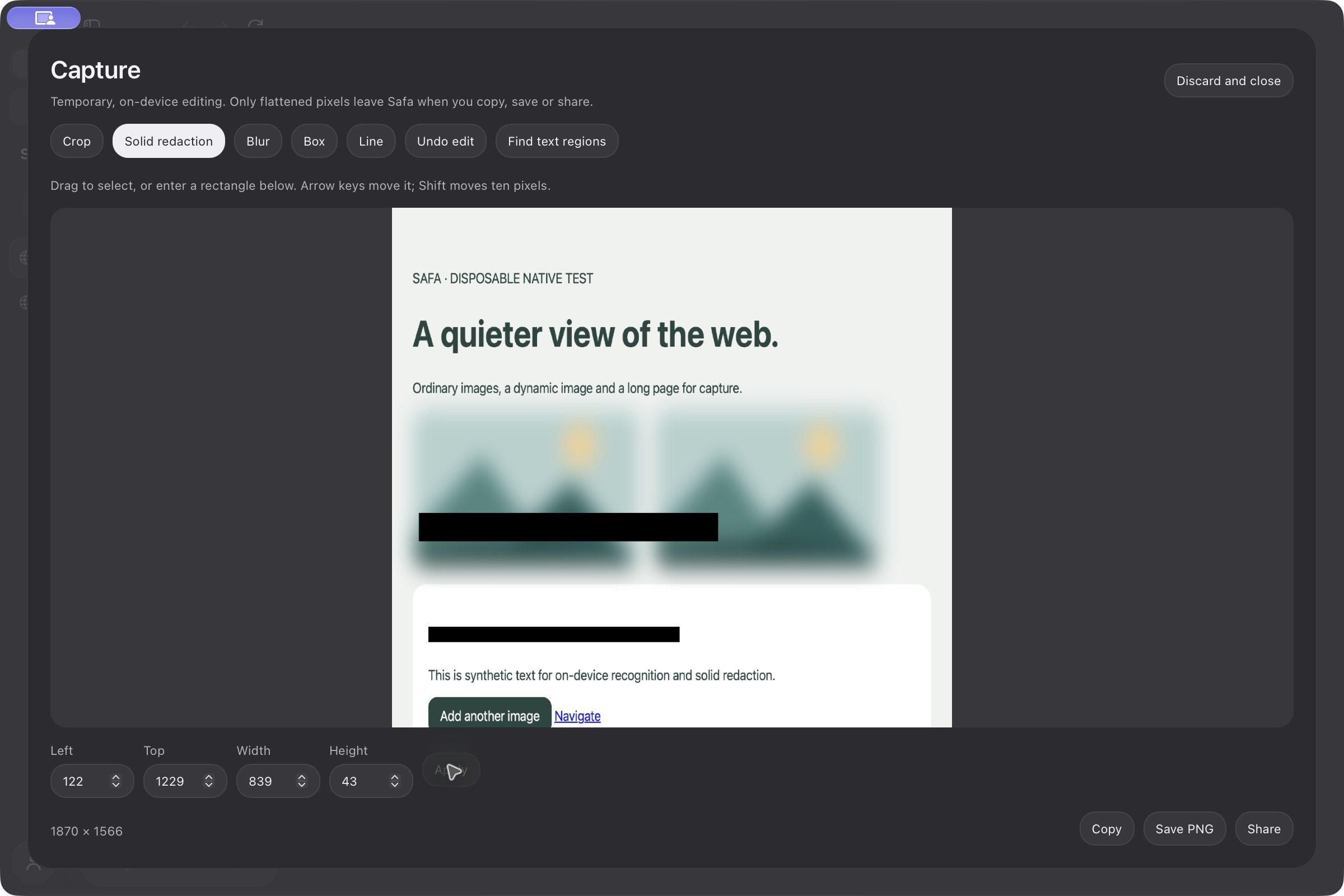
Capture a page or select a Mac window or display. Crop, annotate and apply solid redaction before copying, saving or opening the Mac share sheet.
Fast, private and fully featured, with everything you need already inside.
Ads and trackers, gone. A native blocker turns them away at the network, before a page can load them.
 SponsorBlock
Your extensions come along. The ones you rely on, straight from the Chrome Web Store.
Tabs, tasks, notes, history and downloads, from anywhere on your desktop.
⌘⇧SpacePick any model, or none at all. Safa is a full browser either way.
Not configured in this private release. Connect an owner-controlled Safa server in Settings to check its current capabilities.
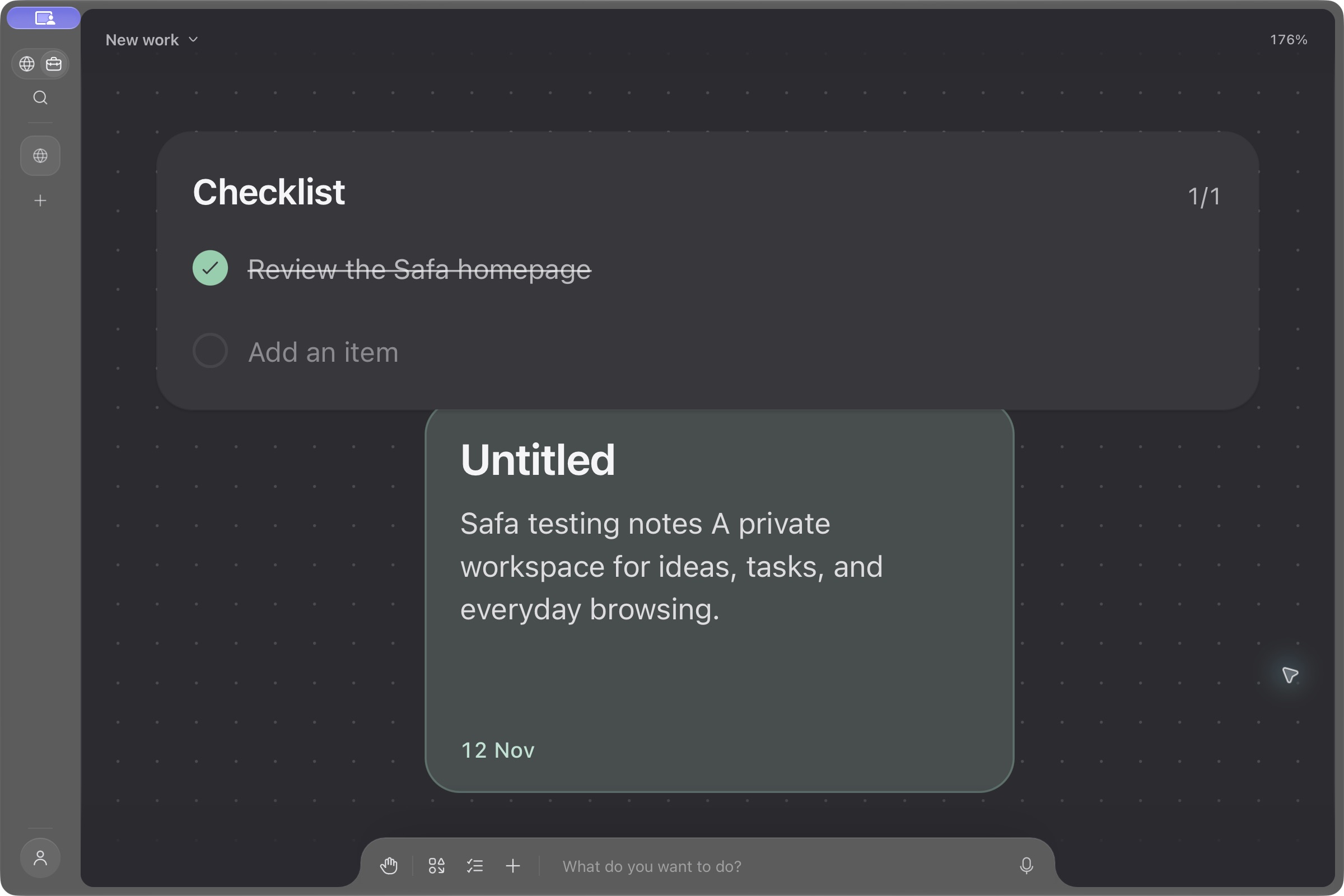
Keep notes, checklists, pages and files together. Connect your own provider or local model when you want an assistant to help.
Live pages. Helpers browse real sites, and you can watch every one.
Helpers in parallel. The lead splits the goal and sends a helper after each part.
Your files. It reads and edits folders you grant, and asks before changing a thing.
Code and commands. It writes and explains code, runs commands and maps a system.
Your tools. MCP servers and the command lines you already use, like GitHub and Slack.
Your context. Tabs, history, tasks and notes, whenever you let it look.
Results that last. Tables, charts, comparisons and plans stay on the canvas.
Your models. Your own keys for OpenAI, Anthropic or Gemini, or a local model.
Bring anything onto the canvas. Tabs, files, folders, images and links, side by side. Connect your tools through MCP and the command line, and agents work with all of it.
Tasks, notes and activity live in the sidebar, and your agents can use them whenever you let them.
Tasks in your own words. Write it the way you would say it, and it lands on the right day.
Actions run async work in a transition and keep track of pending and errors for you.
const [error, save, pending] =
  useActionState(update, null);

<form action={save}>
use() reads a promise while renderingref is a plain prop nowNotes beside the page. Markdown files you own, with code that stays code.
 linear.app1h 24m
 github.com58m
 notion.so41m
See where the day went. Time by site, and focus that keeps distractions shut.
A Rust core and your Mac’s WebKit engine. Quran reading, capture editing and search load when you need them. Optional recitations stay out of the installer. Performance claims follow measured results.
Open Muslim space in the sidebar for Today, Quran, Journey and Saved. The homepage cards open their related tools; their options menus hold settings. Image controls and Capture are in the sidebar. Settings → About → Release notes opens the full offline guide.
Version 2 checks Safa’s signed update feed when automatic checks are enabled. A verified update offers Relaunch to finish. You can check manually in Settings → About. Version 1.0.5 had updates paused, so it needs one manual V2 installation.
Safa is a Mac browser for Muslim daily life. Ordinary browsing and Work sit alongside Quran reading, prayer tools and a private dhikr counter.
The complete Arabic and English Quran, the reading index, bookmarks and dhikr work offline. Prayer times calculate on your Mac after a location is set. Recitation, websites and online providers need a connection.
No account is needed for browsing or Muslim tools. Religious settings and reading progress stay in your normal local profile. Private windows do not load that saved state.
Choose Use current location to request macOS permission. Safa gets a location fix and uses Apple’s service to resolve the locality and time zone. It does not continuously track you. City selection remains available.
They are a viewing preference. Blur or hide supported page images, choose site exceptions, and reveal deliberately. They cannot guarantee that every image or embedded frame is covered.
Browsing and Muslim tools are free. Bring your own provider key or use a local model for optional AI. Paid hosted Safa AI is not active or offered for purchase. Service availability.
Safa V2 targets Apple Silicon Macs running macOS 14 Sonoma or later. The download page offers only an artifact that has completed its release checks.